Airport Mode
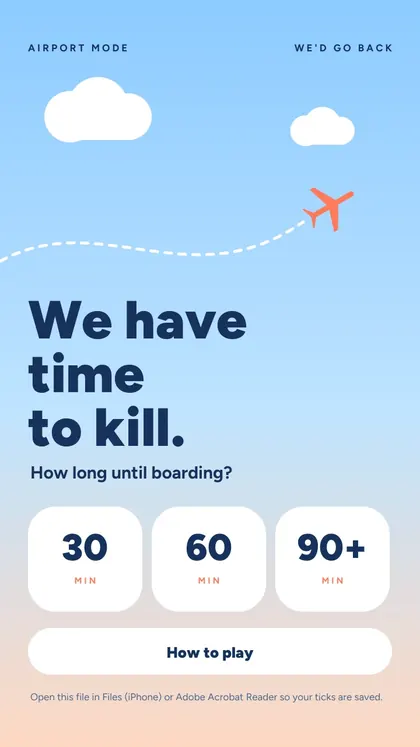
Turn the wait at the gate into a mission. Pick your time, the kids play until boarding.
| For | Families with kids at the airport |
|---|---|
| Use it | At the airport, before boarding |
| Pages | 51, made for the phone screen |
| Needs | Nothing. No app, no Wi-Fi, no printer |
Secure checkout by Stripe (card, Apple Pay, Google Pay). Instant download after payment, and a receipt by email. Because the download starts right away, the 14-day right of withdrawal ends when you get it. Terms
Also in Family Trip Pack, 3 games for $17.99.
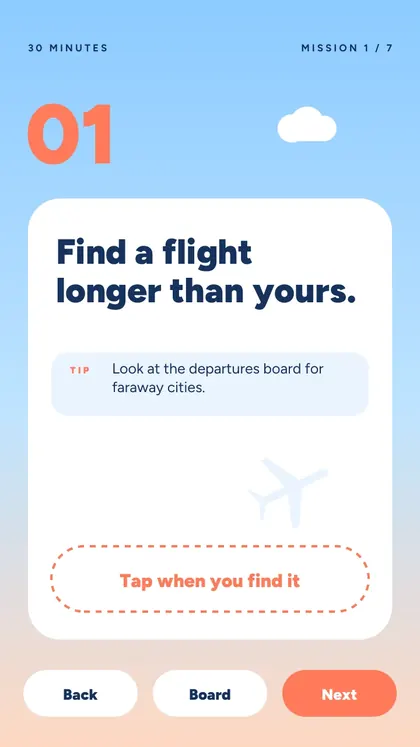
5 of the 42 missions
Copied from the game itself, so you know exactly what you get.
- Find a flight longer than yours. Tip: look at the departures board for faraway cities.
- Find five different airlines. Tip: check the tails of the planes outside.
- Guess which gate will board first. Tip: watch which gate has the longest line.
- Spot someone sleeping in a funny position.
- Find a sign in three languages. Tip: try the signs near the restrooms and exits.
Inside the game
What's inside
- 42 missions in three lengths: 30, 60 or 90+ minutes
- A tip for every mission
- Different missions for each length, so the next flight feels new
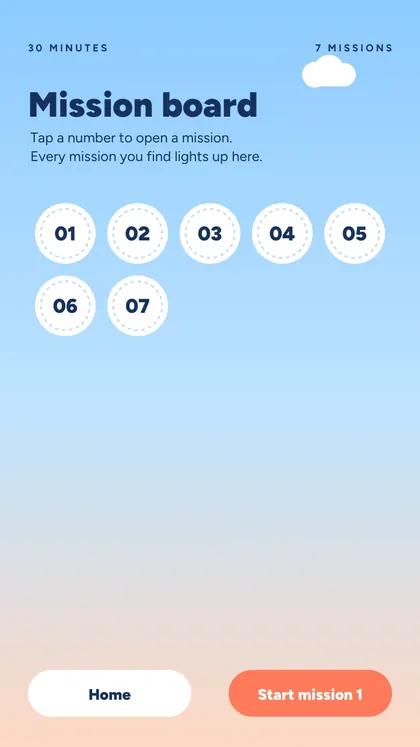
- A mission board that fills up as you go
How it works
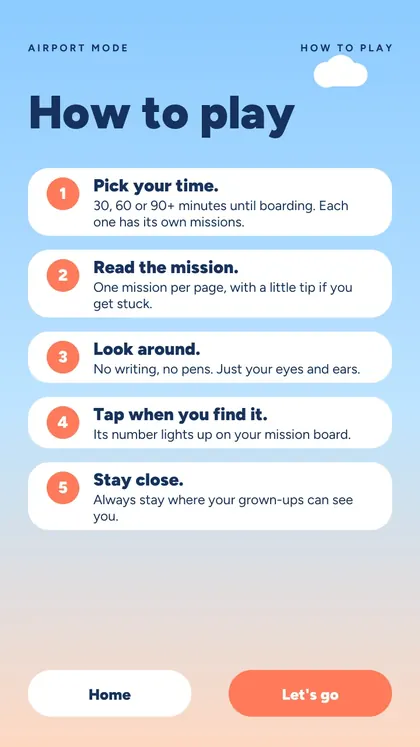
- Open the PDF on your phone
- Choose how long you have until boarding
- Tap a mission, find it, tap "Found it!"
- Nothing to type, no Wi-Fi needed
Questions
Does Airport Mode need Wi-Fi or an app?
No. It is a PDF made for the phone screen. Download it at home and it works offline anywhere, with no app.
Do I need to print it?
No, it is made for tapping on the phone. You can print it too if you prefer paper: it is one page per mission.
Which phones does it work on?
Any phone that opens PDFs. To keep your ticks, open it in Files (iPhone), Chrome or Drive (Android) or Adobe Acrobat Reader.
What age is it for?
Ages 5 to 12.
How do I get it after paying?
Right after payment you land on your download page, and Stripe sends a receipt by email. The page is yours to keep.